
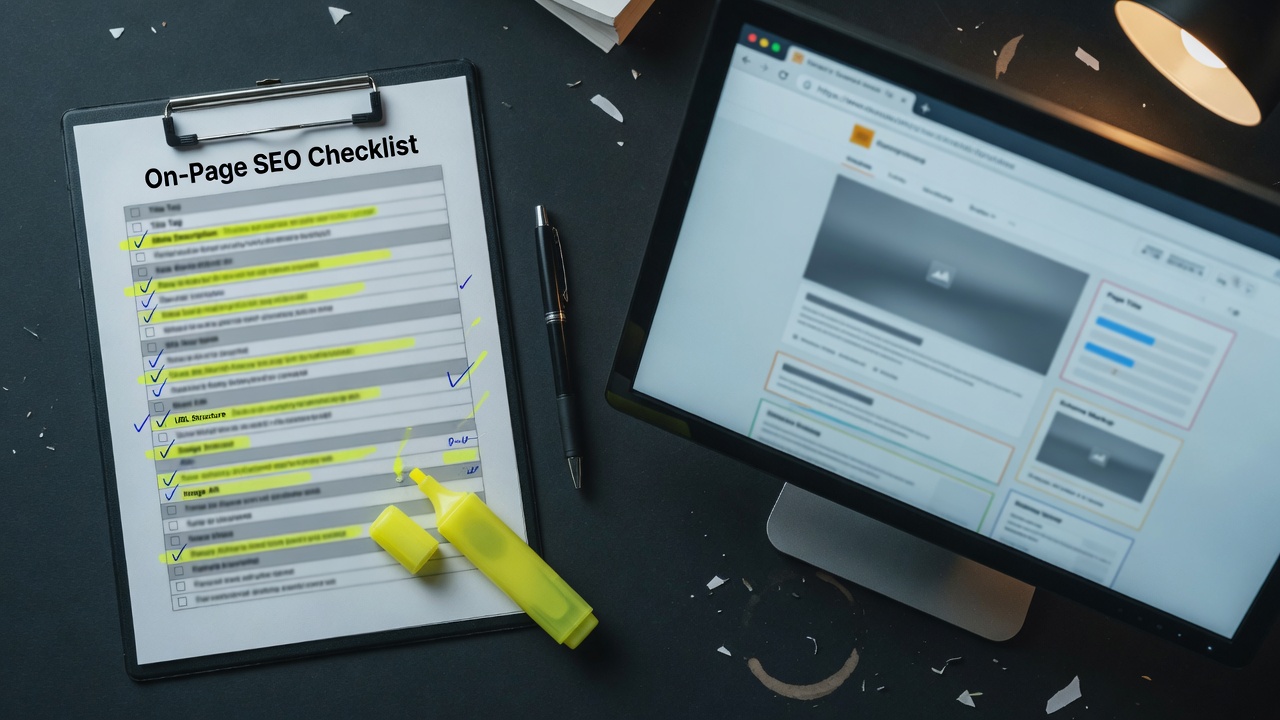
The Checklist
On-page SEO for content sites isn't mysterious. It's a series of small decisions that compound. After optimizing hundreds of articles across our network, this is the checklist we run every article through.
The Page-Level Elements
Title Tag
- Contains the primary keyword, ideally near the start
- Under 60 characters to avoid truncation in SERPs
- Specific and compelling, not generic
- Matches user intent for the target query
Bad: "Guide to Cameras" (generic, no specific keyword) Good: "Best Mirrorless Cameras for Beginners in 2026: Tested Picks"
Bad: "Important Information" (meaningless) Good: "How to Do Keyword Research for Niche Sites in 2026"
Meta Description
- 150-160 characters for full SERP display
- Includes the primary keyword naturally
- Has a clear value proposition — what does the reader get?
- Includes a call-to-action or hook
Bad: "Read our guide to learn more about cameras" Good: "We tested 14 mirrorless cameras under $1,000. See which made our 2026 shortlist and why the Sony a6400 still wins for beginners."
URL Structure
- Short, readable URLs with the target keyword
- Hyphens, not underscores for separators
- Lowercase only
- No dates or numbers that go stale
- No parameter strings or session IDs
Good: /insights/on-page-seo-checklist-content-sites
Bad: /insights/post.php?id=12345&utm_source=twitter

H1 Tag
- One H1 per page, matching or closely aligned with the title tag
- Contains the primary keyword
- Written for humans, not stuffed
Most content management systems handle this automatically. Confirm you're not getting duplicate H1s from title + body.

The Content Structure
Introduction
- Answer the user's question in the first 100 words — this is the AI Overview era; lead with the answer
- Match search intent — informational content should educate, commercial content should compare
- Set expectations for what the article covers
The intro should be the article in miniature. Someone who reads only the intro should understand the topic.
Subheadings (H2s, H3s)
- Break content into scannable sections with descriptive headings
- Include secondary keywords naturally in H2s
- Use H3s for nested structure where it helps
- Don't skip heading levels (H2 → H4 without H3 is bad)
Subheadings also help with featured snippets and AI Overview citations. Make them specific and answerable.
Body Content
- Comprehensive coverage of the topic
- Original insights that go beyond aggregating other sources
- Specific examples where claims are made
- Internal links to related content
- External links to authoritative sources for claims
Aim for content that's 10x better than the current top result. Anything less gets outranked.
Lists, Tables, and Visual Elements
- Use lists for sequential or grouped information
- Use comparison tables for product comparisons
- Use images and diagrams to break up text and illustrate concepts
- Add alt text to every image with relevant keywords
Visual elements serve both users (better experience) and SEO (more engagement signals, image search visibility).
The Technical Elements
Schema Markup
The article schema should include:
headline: Article titledescription: Brief summaryimage: Hero image URLauthor: Person or organizationdatePublished: ISO format datedateModified: ISO format datepublisher: Organization with logomainEntityOfPage: Canonical URL
Most CMS systems handle this via plugins. For custom builds, use JSON-LD in the head.
Open Graph and Twitter Cards
og:title,og:description,og:image,og:url,og:typetwitter:card(summary_large_image for articles)twitter:title,twitter:description,twitter:image
These don't directly affect rankings but affect social sharing CTR, which indirectly affects traffic and engagement.
Canonical Tag
- Always set a canonical URL pointing to the preferred version
- Match the URL exactly including protocol and trailing slash
- Self-referencing canonical on every page (article points to itself)
- No conflicting canonicals (e.g., one in head, one in HTTP header)
Meta Robots
- Index, follow by default for content you want ranked
- Noindex for thin content, tag pages, internal search results
- Max-snippet, max-image-preview, max-video-preview directives where appropriate
Hreflang (for International Content)
- Self-referencing hreflang for every language
- Reciprocal hreflang between language versions
- x-default for the default version
Skip this if you're only publishing in one language.

The Linking Strategy
Internal Links
- Every article links to at least 3-5 related articles in the body
- Use descriptive anchor text with keywords naturally included
- Link to pillar content when the topic fits
- Don't over-optimize anchors (avoid 100% exact match)
Internal linking is the most under-utilized on-page SEO lever. Spend real time on it.
External Links
- Link to authoritative sources for claims and statistics
- Use rel="noopener" for security (most CMSs handle this)
- Open in same tab by default unless it's a reference the user might want to revisit
- Don't link to competitors unless the link genuinely helps the reader
External links signal to Google that you're connected to the authoritative web. Don't be afraid to link out.
The Image Optimization
File-Level
- Compress every image before upload
- Use JPG for photos, PNG for graphics with transparency, WebP for both
- Use descriptive file names (camera-buying-guide.jpg, not IMG_4523.jpg)
- Serve at appropriate sizes — don't load 4000px images for 800px display slots
On-Page
- Always include alt text with relevant keywords where natural
- Use lazy loading for below-fold images
- Specify width and height to prevent layout shift
- Use modern formats (WebP, AVIF) where supported
SEO-Specific
- Submit image sitemap if you have many images
- Use descriptive captions where they add value
- Optimize for image search with relevant keywords in alt and surrounding text
The Performance Elements
Core Web Vitals
- LCP under 2.5 seconds: Largest contentful paint
- FID/INP under 200ms: Interaction responsiveness
- CLS under 0.1: Cumulative layout shift
These matter for rankings and user experience. Slow pages rank worse.
Mobile Optimization
- Responsive design that works at all viewport sizes
- Touch-friendly interactive elements (buttons, links)
- Readable font sizes without zooming
- Fast load times on mobile networks
Most traffic to content sites is mobile. Optimizing for mobile isn't optional.
Site Speed
- Compress and cache assets aggressively
- Use a CDN for static assets
- Minimize JavaScript that blocks rendering
- Preload critical assets
Speed is a ranking factor and a user experience factor. It's worth investing in.
The Engagement Signals
Time on Page
- Hook readers early with a strong intro
- Break up long sections with visuals
- Use formatting to make scanning easy
- End with related content to encourage continued browsing
Time on page correlates with rankings. Make content worth staying for.
Bounce Rate
- Match content to search intent — the article should answer what the user searched for
- Provide internal links to related content
- Don't put up walls before content (newsletter popups before showing content)
- Make CTAs relevant to the article topic
Low bounce rates signal that content meets user needs. Aim for this through quality, not tricks.
Return Visitors
- Build email lists so users come back directly
- Update content regularly to keep it fresh
- Brand the experience so visitors remember and return
- Provide unique value they can't get elsewhere
Return visitors signal trust and authority. They're a long-term asset.
The Freshness Signals
Update Cadence
- Update pillar content annually at minimum
- Refresh statistics and examples with current data
- Add new sections when topics evolve
- Update publish/modified dates when changes are significant
Freshness signals that content is current and trustworthy. Old content drifts in rankings even if the underlying topic hasn't changed.
Date Display
- Show publish date for transparency
- Show last updated date for evergreen content
- Use ISO format in schema for unambiguous interpretation
Don't hide dates. Visible dates build trust.
The Pre-Publish Review
Before publishing any article, check:
- Title tag compelling and keyword-rich
- Meta description written
- URL is clean and keyword-rich
- H1 matches title intent
- Subheadings are descriptive
- First paragraph answers the question
- Body content is comprehensive
- At least 3-5 internal links included
- External links to authoritative sources
- All images have alt text
- Schema markup validates
- Open Graph tags set
- Canonical URL set
- Mobile preview checked
- Page loads under 3 seconds
- Editorial review completed
- Compliance disclosures (for affiliate content)
This list looks long. After a few articles, it becomes second nature. The compound effect of doing this consistently across hundreds of articles is what separates top-ranking sites from mediocre ones.
The Compounding Effect
No single on-page element makes the difference. The compounding effect of doing all of them well across your entire site is what moves rankings over time.
Sites that follow this checklist consistently outperform sites that focus on one or two elements and ignore the rest. The work is in the consistency.
Build the checklist into your content workflow. Every article gets reviewed against it. The reviews become faster as the team internalizes the standards.
The SEO gains are real. The user experience gains are even bigger.